
Open the timeline
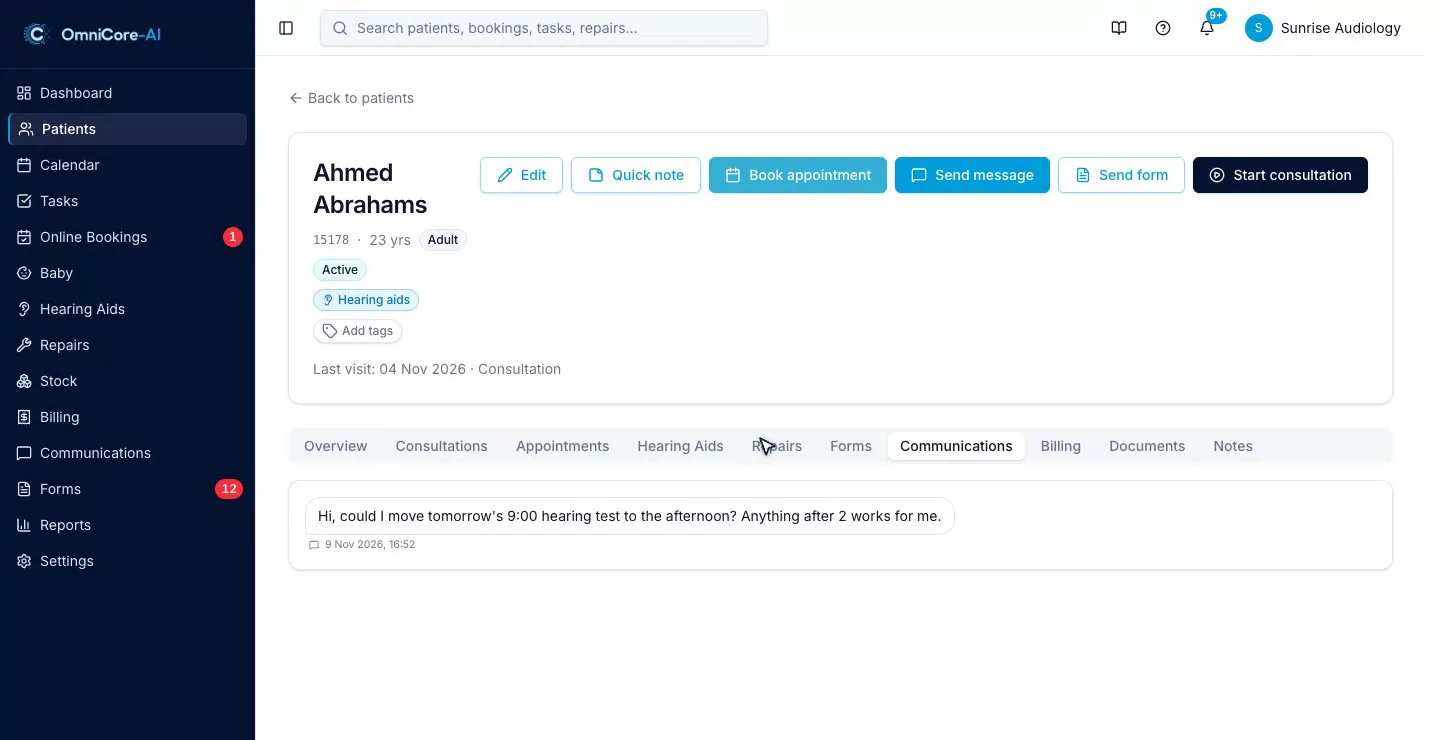
- 1Open the patient's file.
- 2Click the “Communications” tab.
You see every WhatsApp and SMS to and from the patient, with the date and time, and a line for each email sent to them. Messages OmniCore-AI sent by itself, such as reminders and birthday wishes, are marked “Automatic”.
Click “Load older messages” to go further back.
Check whether an email arrived
Each email line says what happened to it: “Email delivered”, “Email sent”, “Email pending”, “Email bounced” or “Email failed”. Click the line to open the email itself.
A bounced email means the address is wrong or no longer exists. Correct it on the patient's file.
Send from the file
The timeline is for reading. To write to the patient, click “Send message” at the top of the file. To carry on a WhatsApp or SMS conversation, use the Communications page in the menu.
Why one message and not three
An automatic message goes out once, on the first channel that works for that patient: WhatsApp first, then SMS, then email. A channel is only used if the patient has consented to it.
Related guides
Still stuck? Ask us and we will show you. Inside OmniCore-AI, the Help menu (the question mark at the top of every page) opens a short guide for that page.